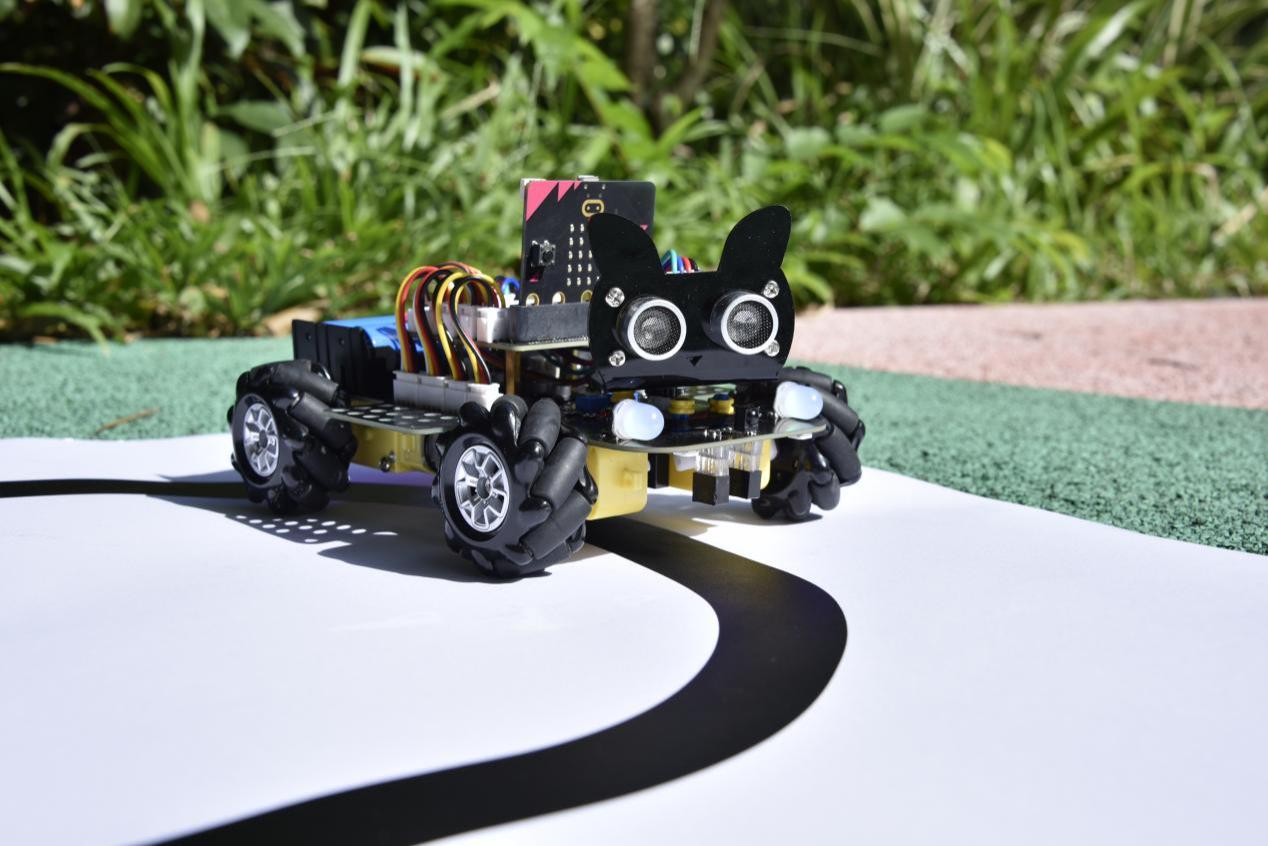
HOW Black Line Follower Work?
Description
In this kit, there is a DIY electronic building block single-channel line tracking sensor which mainly uses a TCRT5000 reflective black and white line recognition sensor element.
In the experiment, we judge the color (black and white) of the object detected by the sensor by reading the high and low levels of the S terminal on the module; and display the test results on the shell.
Working Principle
When a black or no object is detected, the signal terminal will output high levels; when white object is detected, the signal terminal is low level; its detection height is 0-3cm. We can adjust the sensitivity by rotating the potentiometer on the sensor. When the potentiometer is rotated, the sensitivity is best when the red LED on the sensor is at the critical point between off and on.

Required Components

Connection Diagram

Test Code
//*************************************************************************************
/*
 * Description : Reading the tracking sensor value
 * Auther      : http://www.keyestudio.com
*/
int val = 0;
void setup() {
  Serial.begin(9600);//Set baud rate to 9600
  pinMode(15, INPUT);//Sets sensor pin to input mode
}

void loop() {
  val = digitalRead(15);//Read the digital level output by the patrol sensor
  Serial.print(val);//Serial port print value
  if (val == 0) {//White val is 0 detected
    Serial.print("        ");
    Serial.println("White");
    delay(100);
  }
  else {//Black val is 1 detected
    Serial.print("        ");
    Serial.println("Black");
    delay(100);
  }
}
//*************************************************************************************
Test Result
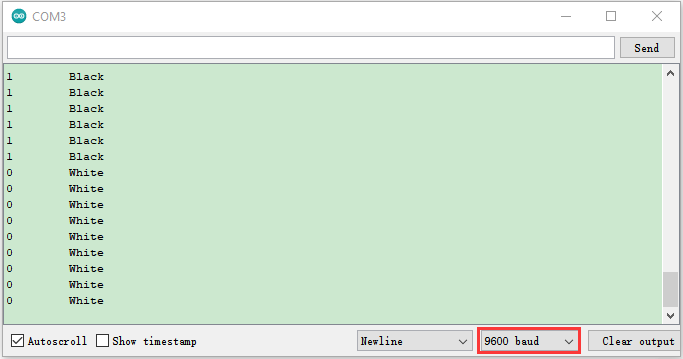
Connect the wires according to the experimental wiring diagram, compile and upload the code to the ESP32. After uploading successfully,we will use a USB cable to power on,open the serial monitor and set the baud rate to 9600.
The serial monitor will display the corresponding data and characters. when the sensor doesn’t detect an object or detects a black object, the val is 1, and the monitor will display “1 Black” ; when a white object (can reflect light) is detected, the val is 0, and the monitor will display “0 White”.